Fundraising
Track your deck with every investor.
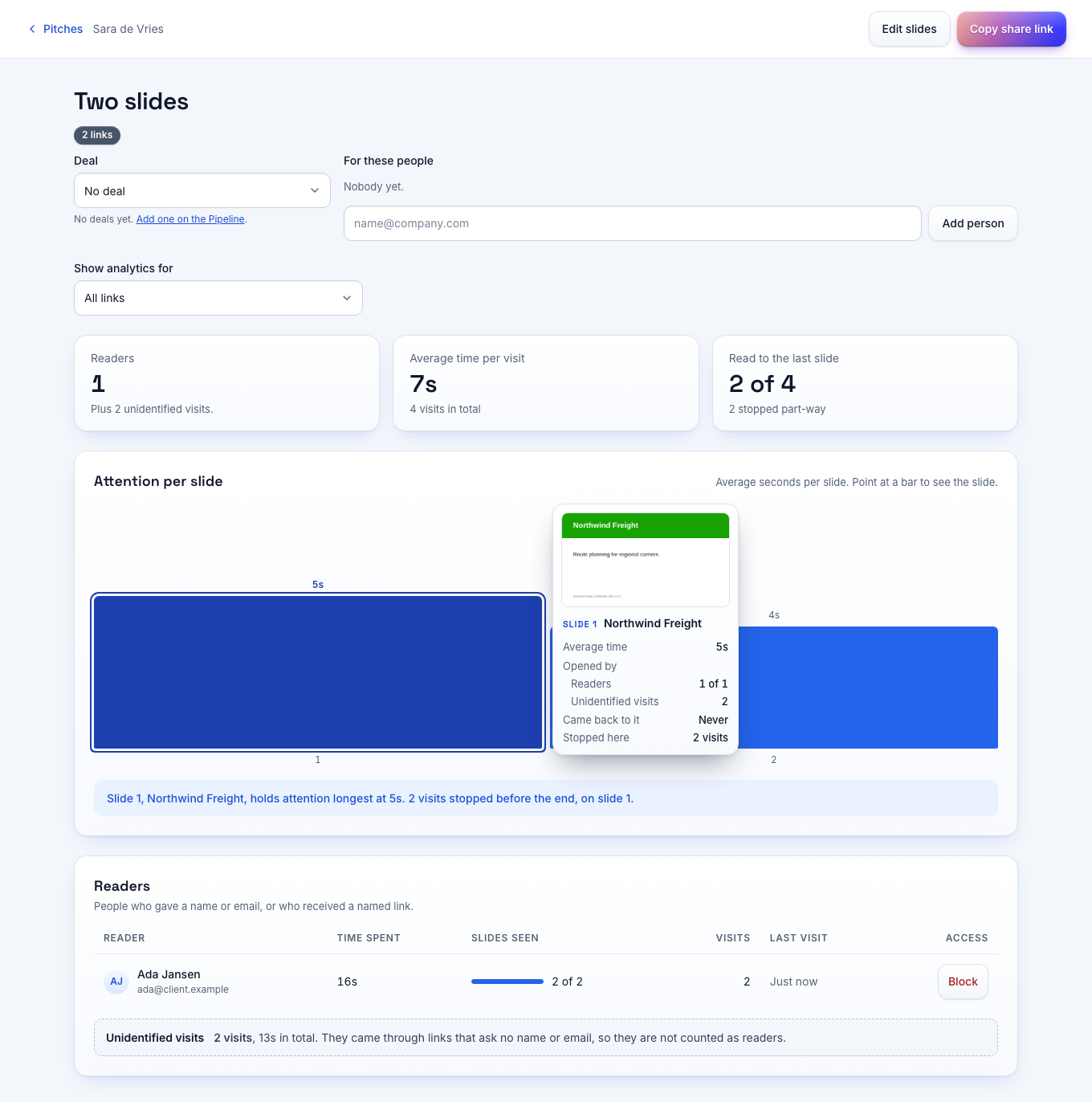
Send each investor a link of their own. Phase shows the slides they read, the time they spent and each forward of the deck.
Free for one seat. Readers never pay.
The workflow
A round on tracked links
- 01
Send the teaser
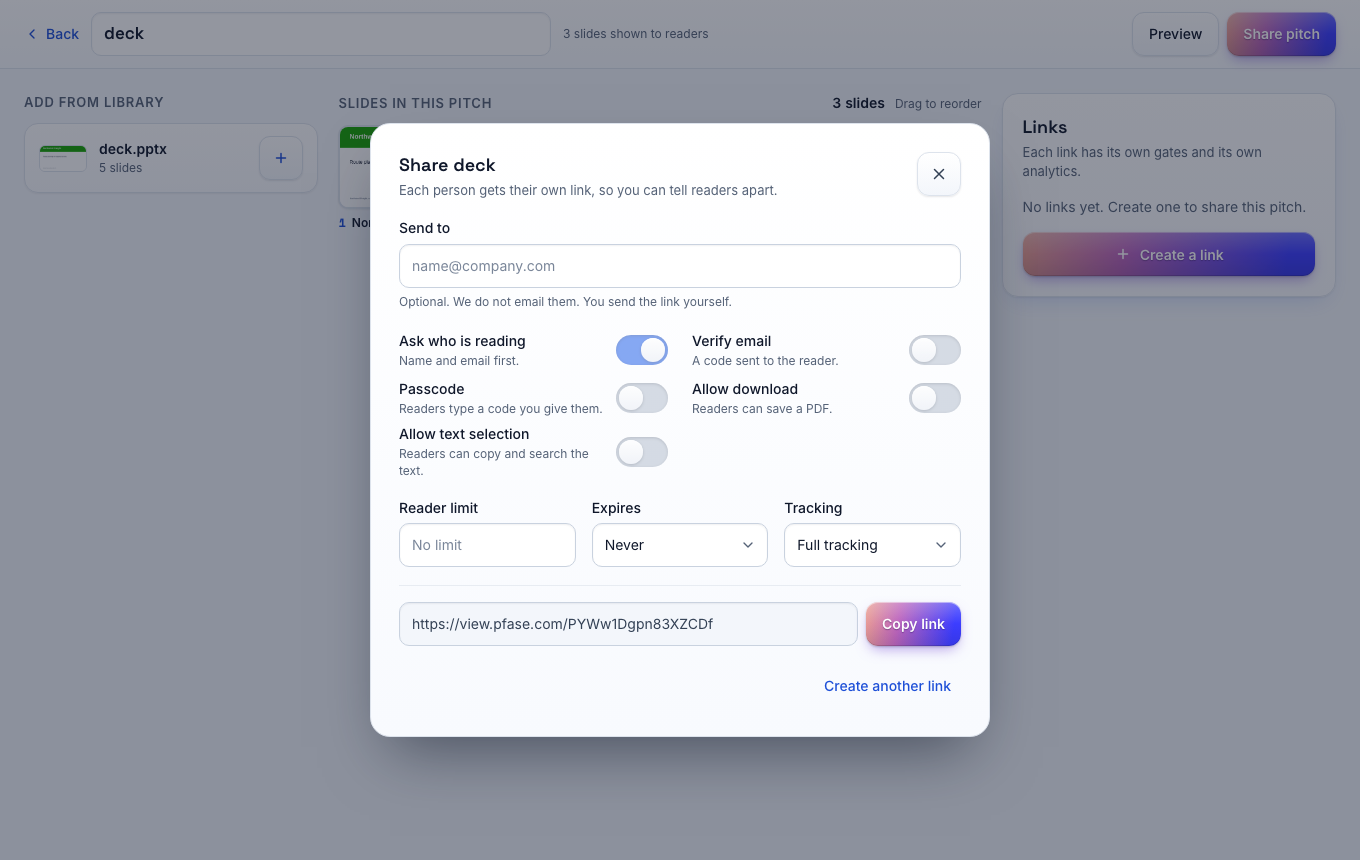
Each investor gets a link with their name on it. The deck opens in the browser with one click.
- 02
Read the interest
You see the investors who opened the deck and the time they spent on the team and the numbers.
- 03
Open the data pack
Send the financial model and the cap table on a link that verifies the email address.
- 04
Close the links
Disable every link when the round closes.
Links
One link per investor.
A named link tells you which fund is reading. Phase flags a link that a second person opens, so you see when an associate passes the deck to a partner.
Versions
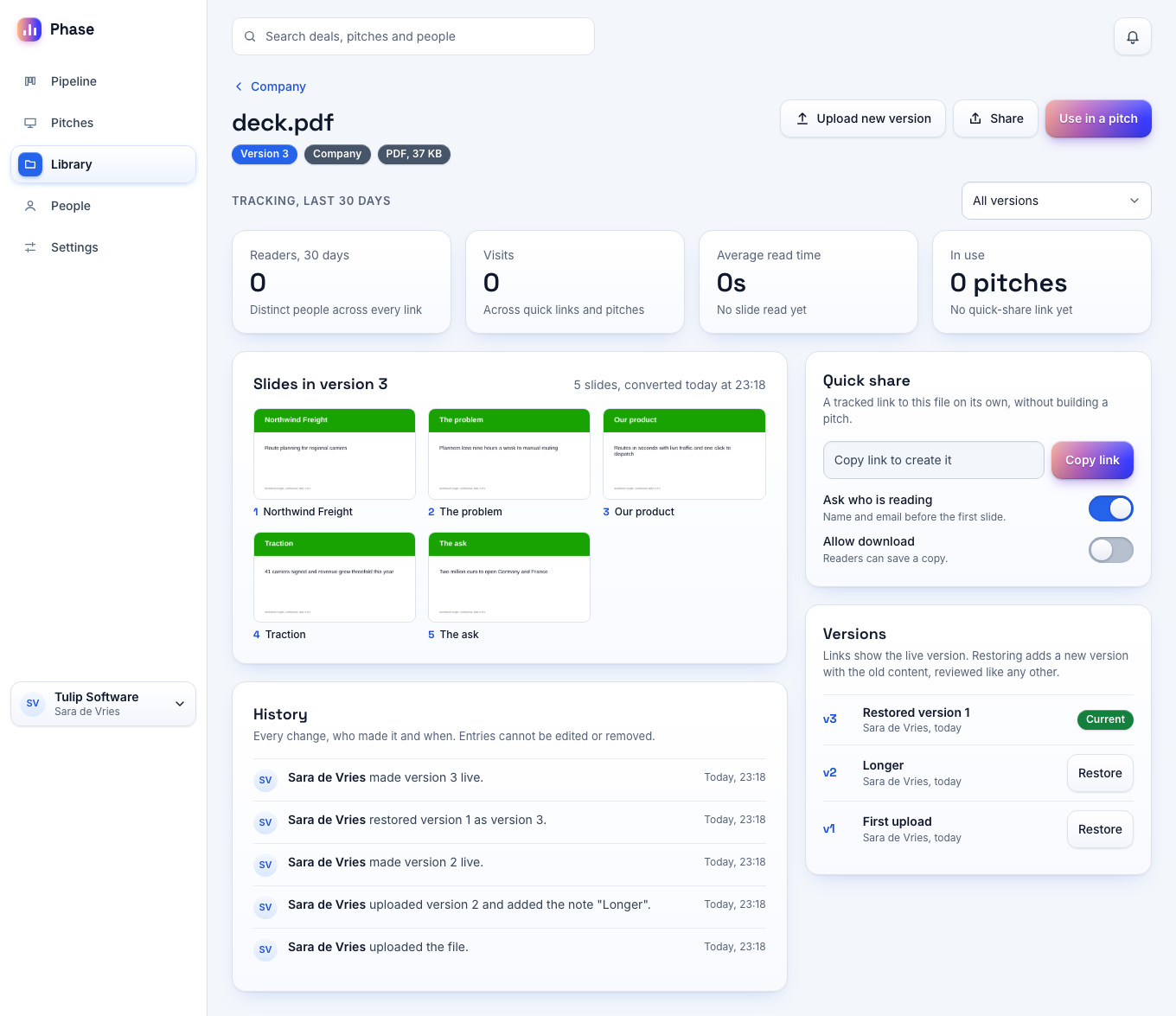
Update the deck, keep the link.
Fix a number or add a slide and upload the new version. After your review, investors see the new deck on the link you already sent.
Follow-up
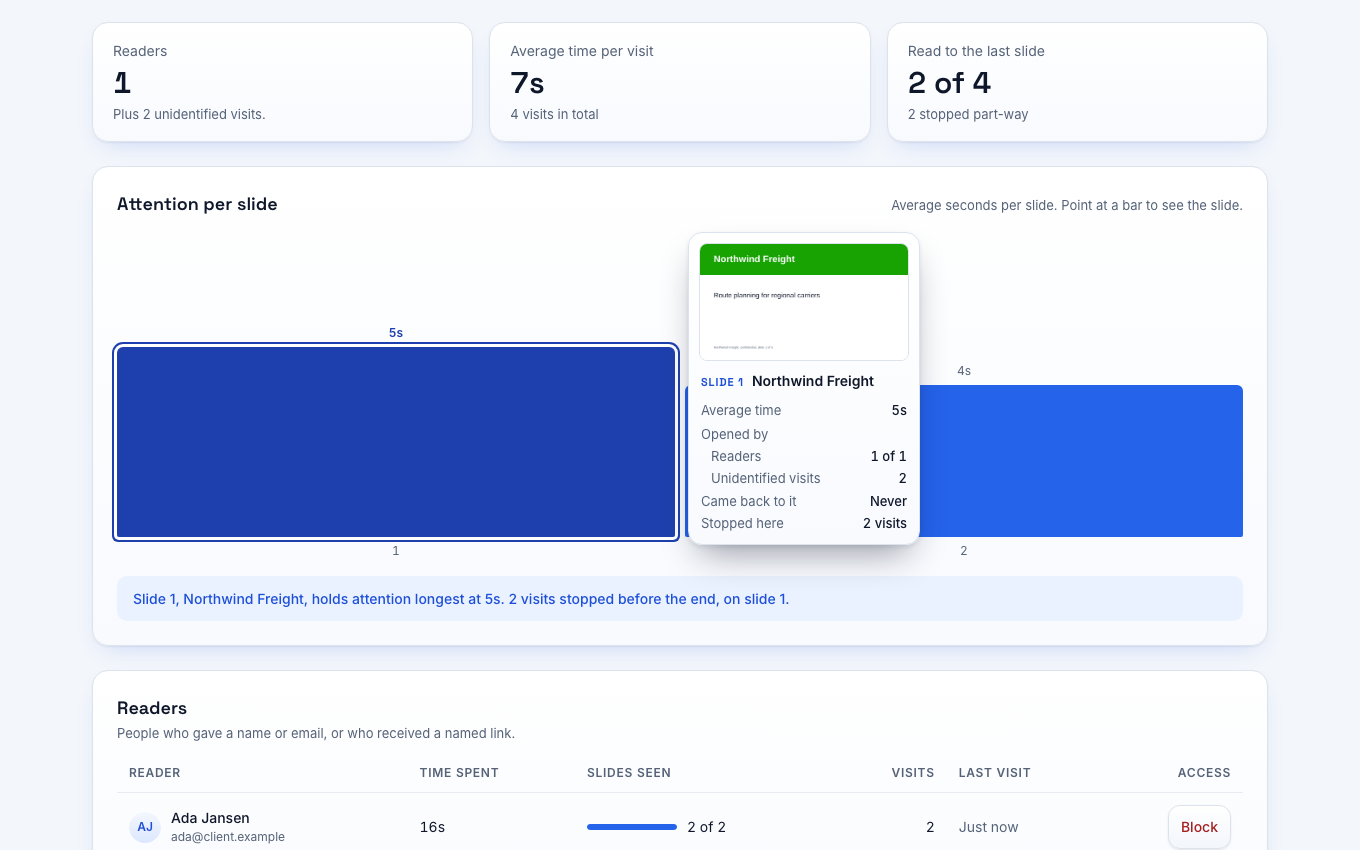
Follow up on real interest.
You see the investor who spent four minutes on the financials and the investor who stopped at slide 2. Start your follow-up with the slide they read longest.
Questions
Questions per slide.
An investor can ask a question on the slide they have open. You get it by email with the slide number.
The plan you need
The Free plan covers a round with up to 5 active pitches. Email verification and reader limits are on Pro at €15 per seat per month.
Compare the plansYour questions answered
Do investors need an account?
No. An investor opens the link in a browser. The data pack asks for an email code.
Can I see who forwarded my deck?
You see the new reader on the link of the person you sent it to. Forward detection needs a link that asks for a name or verifies the email.
Will investors know that I track the deck?
Yes. The viewer shows a notice before the first slide.
Send your first tracked link today
Free for one seat. New workspaces get 14 days of the Team plan without a card.